
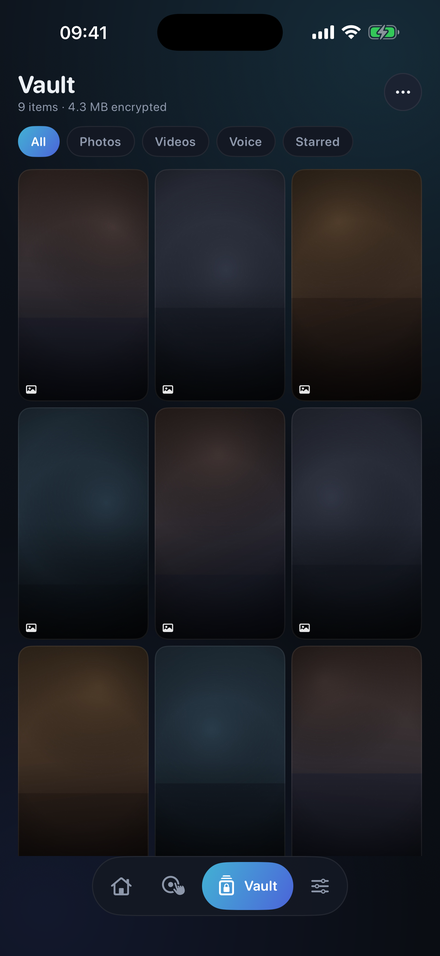
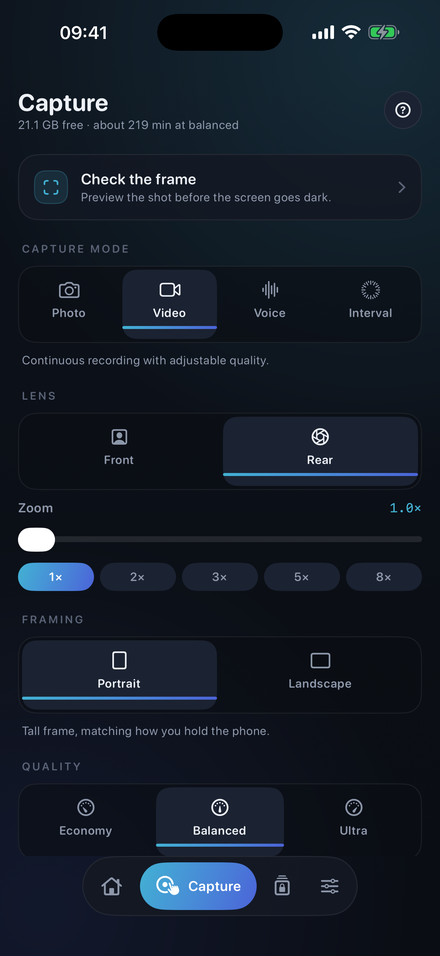
HideCam captures photo, video and audio while its own interface stays dark — no preview, no controls, nothing on display. Everything lands in an encrypted vault on your iPhone.
Download on the App Store Requires iOS 17 or later · No account · Nothing leaves your deviceA workplace conversation you need a record of. A vehicle handover. A dispute with a contractor. Holding up a phone with a live preview changes the very situation you are trying to document.
Blackout, or a dim clock, charging screen or notepad. Feedback is by vibration, so you know it is running without looking.
Start and stop with the volume keys. The phone can sit face down on a table and never be touched.
Front or rear camera, portrait or landscape, quality up to 4K, with a timer and motion trigger.
Captures are encrypted with AES-GCM using a key held in your device's keychain, and stored inside the app — not in Photos, where anyone picking up your phone would find them.
Plus a duress code that opens a decoy album instead of your real vault.
Three wrong passcodes and the app quietly photographs whoever is holding it.
No sign-in, no analytics, no tracking. There is nowhere for your recordings to go.
iOS always shows its recording indicator. The green camera and orange microphone dots are drawn by the system, and no app can remove them. HideCam blacks out its own interface — it cannot black out iOS, and does not claim to.
Recording law varies, and it is on you. Many places require the consent of everyone recorded, especially for audio. HideCam is built for documenting situations you are part of, not for monitoring other people, and it says so before you can use it.